Marketplace seller
A product sits against a cluttered shelf, and the listing needs a cleaner presentation.
Test one image first, then inspect the object boundary and export conditions before preparing the rest.
Start with one image and a clear idea of where the cutout will go. Before editing a whole collection, check whether your chosen tool lets you export a usable result under its current access terms.
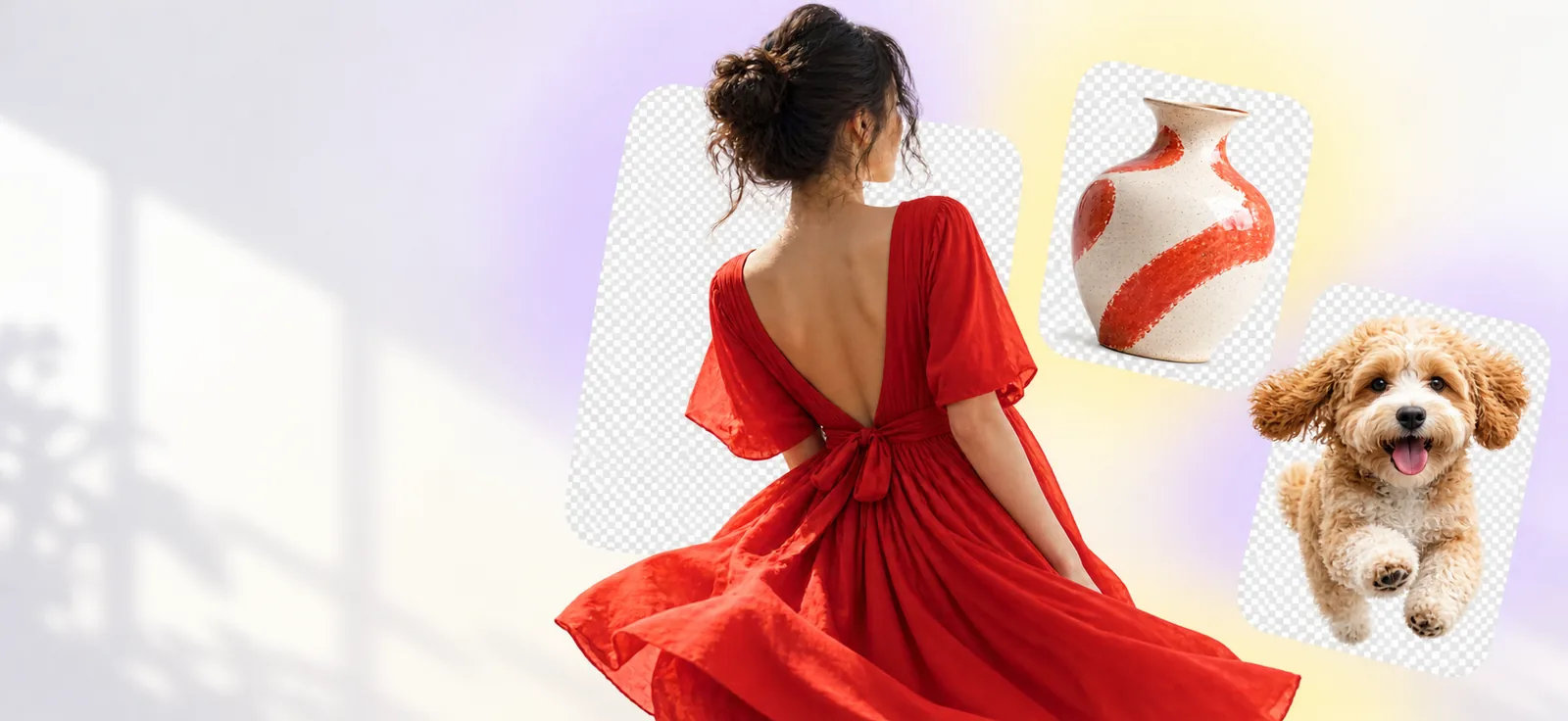
The image type and the number of files you have can matter more than the first result you see.
A quick preview, a careful edge edit, and a repeatable workflow solve different problems.
A product sits against a cluttered shelf, and the listing needs a cleaner presentation.
Test one image first, then inspect the object boundary and export conditions before preparing the rest.
A portrait needs to sit over a colored graphic without a visible rectangular backdrop.
Check hair and clothing edges against the intended graphic, not just the editor's preview.
Several similar photos need consistent framing for a shared document.
Set a quality standard on one file before repeating the process across the set.
This sequence helps separate cutout quality from access questions.
Choose an image with the kinds of edges you expect to handle later: hair, transparent objects, thin straps, or shadows. A straightforward image may hide problems that appear in the rest of your set.
Identify the subject you want to keep. Review the result at full size, especially where foreground and background share a similar color. A convincing thumbnail is not enough evidence of a clean edge.
Before repeating the edit, check the available file, its resolution, and whether its background behaves as expected in your destination. If the access terms do not fit, switch methods before investing more time.
These are general workflow differences, not promises about a particular product's features or access terms.
| Online cutout workflow | Manual image editing | |
|---|---|---|
| Starting point | Submit an image and review the proposed selection. | Select or mask the subject yourself. |
| First-pass effort | Usually less hands-on selection work. | Selection work begins with the editor. |
| Fine edges | May need inspection or correction elsewhere. | Can be refined directly with masking tools. |
| Repeatability | Check whether multiple-file handling is available. | Repeat the edit or build a reusable local process. |
| File handling | Check the service's upload and retention policies. | Local editing can keep source files on your device. |
| Usable output | Confirm export format, size, and access conditions. | Export options depend on the editor you use. |
This page cannot establish the current terms or results of a tool reached through the button. Check them where you work.
A preview does not prove that a full-size, usable download is available without payment or an account.
What to do instead
Check the current export terms before editing more than one image.
Hair, glass, motion blur, and low-contrast boundaries can produce missing details or leftover background.
What to do instead
Inspect the cutout over both light and dark backgrounds; refine it in an image editor if needed.
Removing a background from one image does not establish that multiple uploads or consistent bulk exports are supported.
What to do instead
Test a representative file and confirm the available workflow before preparing a collection.
An online upload may be unsuitable for confidential photos unless its handling terms meet your requirements.
What to do instead
Read the service's current privacy information or use a local editor for sensitive material.
Use a photo that reflects your actual project, then judge the cutout and available export against what you need. Removebackground can help you plan the test, but the destination's current terms determine access.
That depends on the tool and its current access terms. Check whether the result you need can actually be exported, rather than assuming a visible preview is a usable file.
Not necessarily. Look for the available export format and test the file in its intended destination; an image that looks transparent in an editor may not be the file you can save.
Results vary with the photo and the editing method. Zoom in on fine edges and place the cutout over contrasting colors to spot missing strands or leftover background.
Do not infer batch access from a successful single-image test. Check the current limits and export conditions before committing to a larger set.
Review the service's privacy and file-handling terms first. If those terms do not suit your image, consider a local editing workflow instead.